
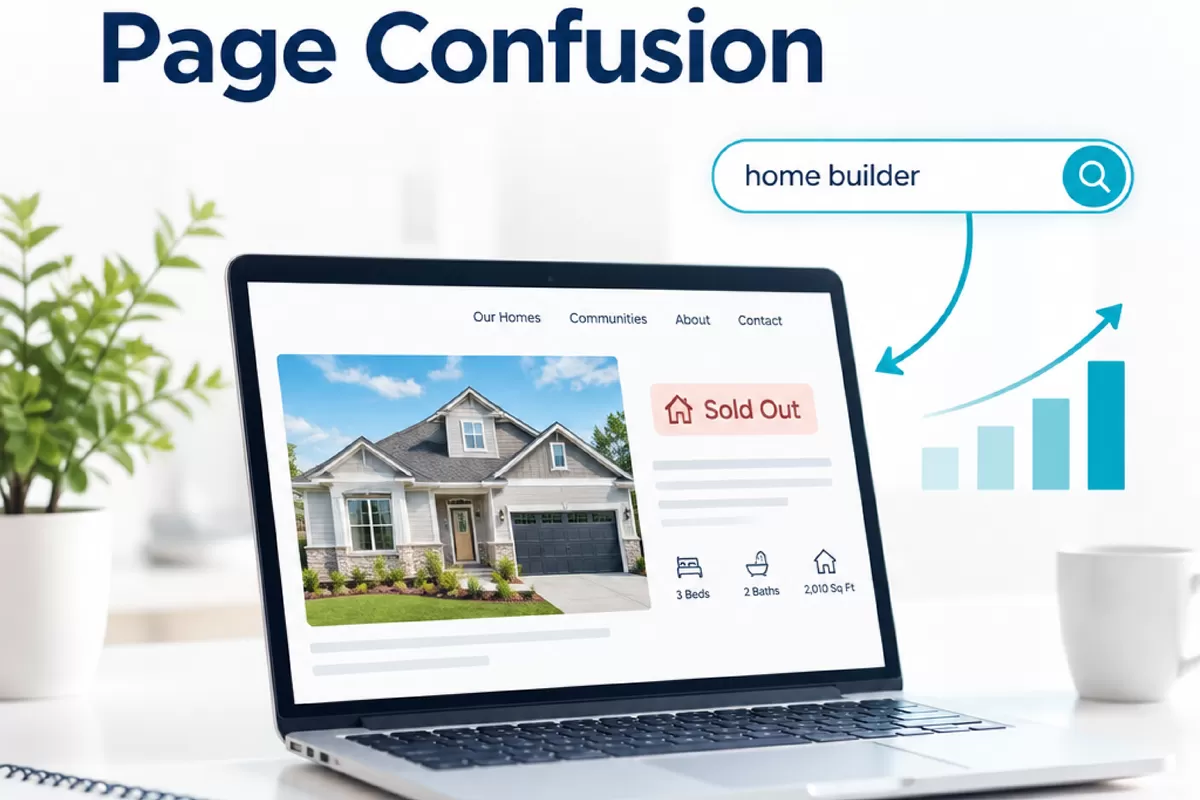
 A community page that once helped buyers compare homes can become misleading after its last lot sells. But removing it immediately may also discard floor-plan details, location information, and answers that still matter to people researching homes in the United States. For home builder SEO, the better move is to review what the page does now and what useful alternatives exist before changing it.
The right choice depends on the page’s purpose, the information it contains, and whether the community or home type remains relevant. A sold-out page may need an update, a redirect, or no change at all. Here is a practical way to assess it without assuming that one action suits every community.
Home builder SEO: audit the page after inventory changes
Start by checking the page as a buyer would. Does it clearly say that homes or lots are sold out? Could someone mistake an old price, availability note, or move-in date for current information? If the page still presents unavailable homes as active inventory, correct that first. Clear status information protects the buyer experience, regardless of whether you later retain or remove the page.
Then review the page’s purpose. A community page might have served as an inventory listing, but it may also explain the neighborhood, builder process, nearby amenities, available home designs, or how to contact the sales team. Those uses do not automatically end when the final home sells. Ask whether the information is still accurate and whether someone researching the builder could still find it useful.
For a structured audit, record the page URL, its current status, the last inventory change, and the information that remains valuable. Check internal links from community, city, and floor-plan pages, along with any relevant search and analytics data available to your team. These signals can help inform a decision, but none alone proves that a page should stay or go.
If your team wants outside input on an audit or broader organic search questions, SEO Deep Insights describes SEO, answer-engine, and generative-engine work for industries and countries. The site offers a free proposal with a practical next step within 24 hours.
Keep useful community and floor-plan information accurate
Separate information that changes quickly from information that may remain useful. Current lot availability, prices, incentives, and estimated completion dates are time-sensitive. Community location, design features, home sizes, and floor-plan layouts may have a longer shelf life, but still need review. A plan may be discontinued, dimensions may change, or a community feature may no longer be available as described.
When reviewing a page, check details that affect a buyer’s next step:
- Availability: State plainly whether homes, lots, or future phases are available. Remove outdated calls to action that imply a buyer can reserve a sold home.
- Plans and specifications: Confirm that names, layouts, square footage, included features, and plan status are current. If a design is no longer offered, say so rather than presenting it as an active option.
- Community details: Verify location descriptions, amenities, and nearby references. Keep only details that remain accurate and useful.
- Contact options: Make clear whether the sales team can answer questions about nearby communities, future releases, or similar homes. Do not imply a waitlist or future availability unless one actually exists.
A useful page does not need to pretend that inventory is still open. It can explain that the community is sold out while helping visitors understand the home styles offered there or find a relevant next step. If no suitable alternative exists, a concise status update may be more honest than sending every visitor to a generic page.
Choose the next step for U.S. buyers and local searches
In the United States, buyers often search by community name, city, neighborhood, or a phrase such as “new homes near me.” A page can therefore be relevant to local research even when it no longer lists available inventory. Review how the page fits your site’s city and community structure, and make sure any location references reflect where the builder actually operates.
Local search details should also match reality. If the builder maintains a Google Business Profile for an eligible, staffed sales office or model-home location, keep its address, phone number, and public-facing details consistent with the website. A profile should not be used to imply a sales location where buyers cannot be served. Accurate business information supports a clearer local experience, but it does not determine what to do with a sold-out page.
Choose an action based on the page’s continuing purpose and the quality of its alternatives:
- Update and retain it when the page still answers useful questions. Mark the community as sold out, remove expired inventory details, and link to a genuinely relevant option, such as a currently available community or related floor plan.
- Redirect it when the page is no longer useful on its own and a closely related, maintained page can serve visitors better. Check that the destination matches the subject and intent of the old page. A broad homepage is not automatically a good replacement.
- Remove it when the information is obsolete, there is no suitable replacement, and the page has no continuing role for visitors. Before removal, review internal links and any business or legal requirements for retaining published information.
These choices do not guarantee a particular search result. A redirect may be appropriate for one page and confusing for another. Likewise, keeping a page solely because it once received visits can preserve outdated content rather than value. The decision should balance accuracy, user needs, and the best available destination.
Document the decision for the next inventory change
Keep a simple record for each changed community page. Note the date, inventory status, what was checked, the action taken, the destination URL if redirected, and who approved the update. Include a short reason, such as “retained for accurate floor-plan and community details” or “removed because no current equivalent page exists.” This helps the next person understand the choice instead of repeating the audit from scratch.
After publishing, verify the page itself and the paths leading to it. Confirm that status language is visible, internal links point to the intended destination, and any redirect resolves correctly. If the page remains live, schedule a review when availability changes or the next phase opens. If redirected or removed, check for internal links that still send visitors to the old URL.
A repeatable page lifecycle makes inventory changes easier to manage. Treat each sold-out community as a separate decision: confirm what buyers still need, preserve only accurate information, select the most relevant next step, and document why. That approach gives your team a clear process without forcing every page into the same outcome.